Free
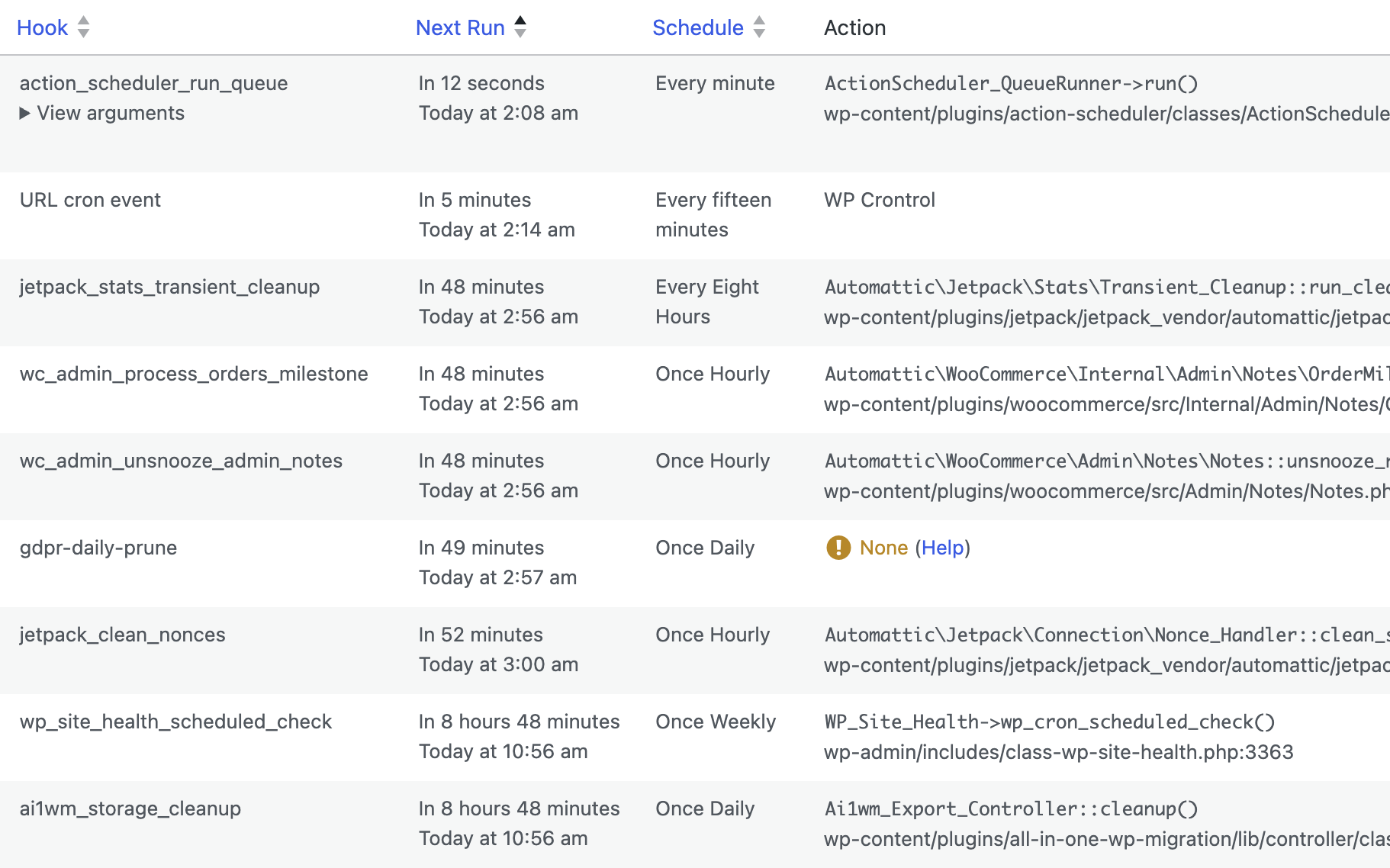
See every cron event
View all scheduled cron events along with their arguments, schedule, registered callback functions, and exactly when they are next due to run.
The most trusted cron management plugin for WordPress and WooCommerce, used by over 300,000 websites worldwide.
Use WP Crontrol to view, create, edit, reschedule, pause, delete, export, and immediately run cron events on your site.
WP Crontrol is essential for owners of WordPress websites and WooCommerce stores to ensure that scheduled cron events run correctly.
WP Crontrol is an invaluable tool for developers looking to streamline and debug their WordPress development process.
View all scheduled cron events along with their arguments, schedule, registered callback functions, and exactly when they are next due to run.
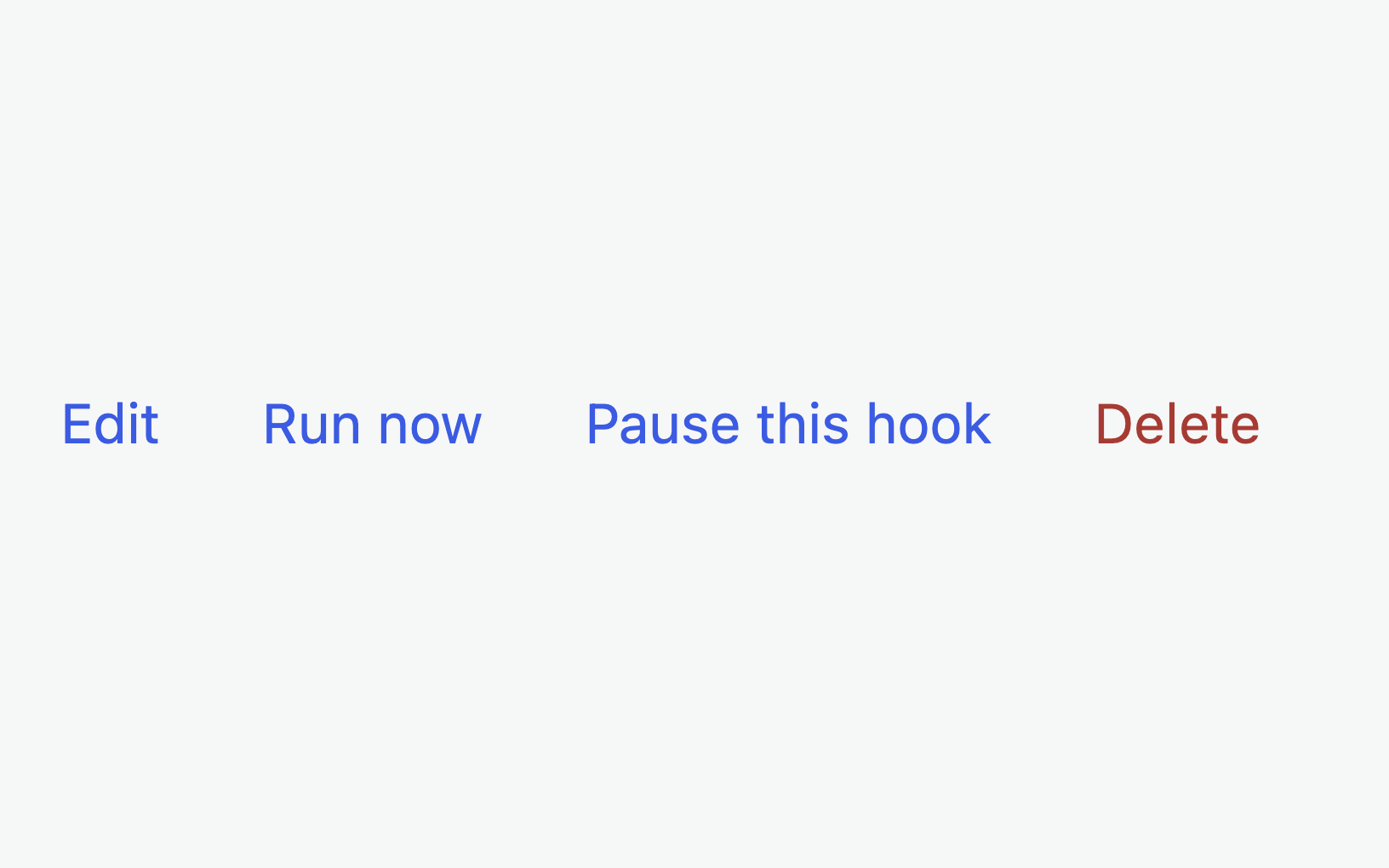
Edit, delete, and immediately run cron events from the admin. Pause and resume events to reliably stop them running even when plugins try to reschedule them.
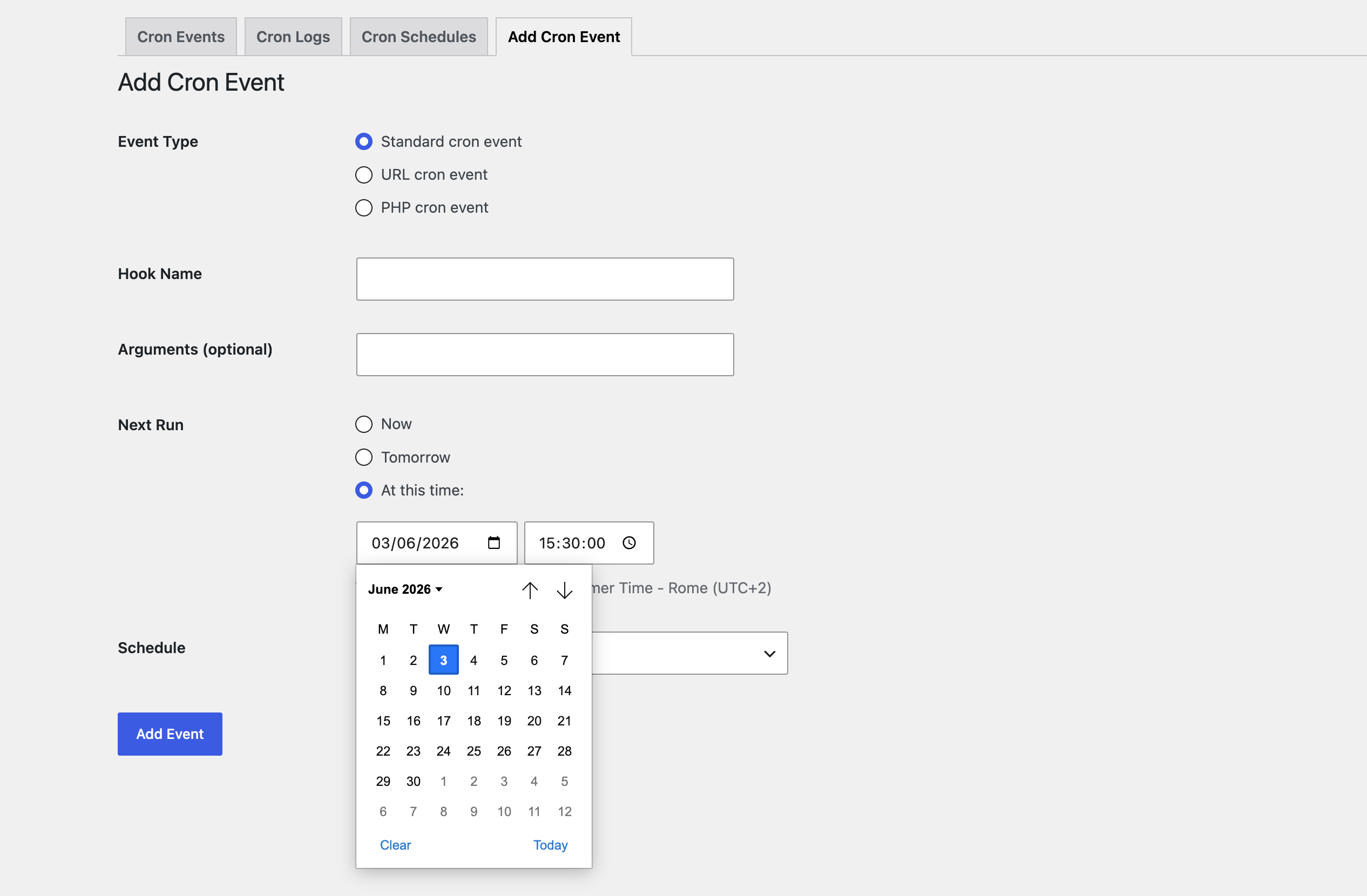
Schedule new standard cron events in a few clicks. Choose a hook name, a schedule, and any arguments, then hook up your callback in PHP to run code on your chosen interval.
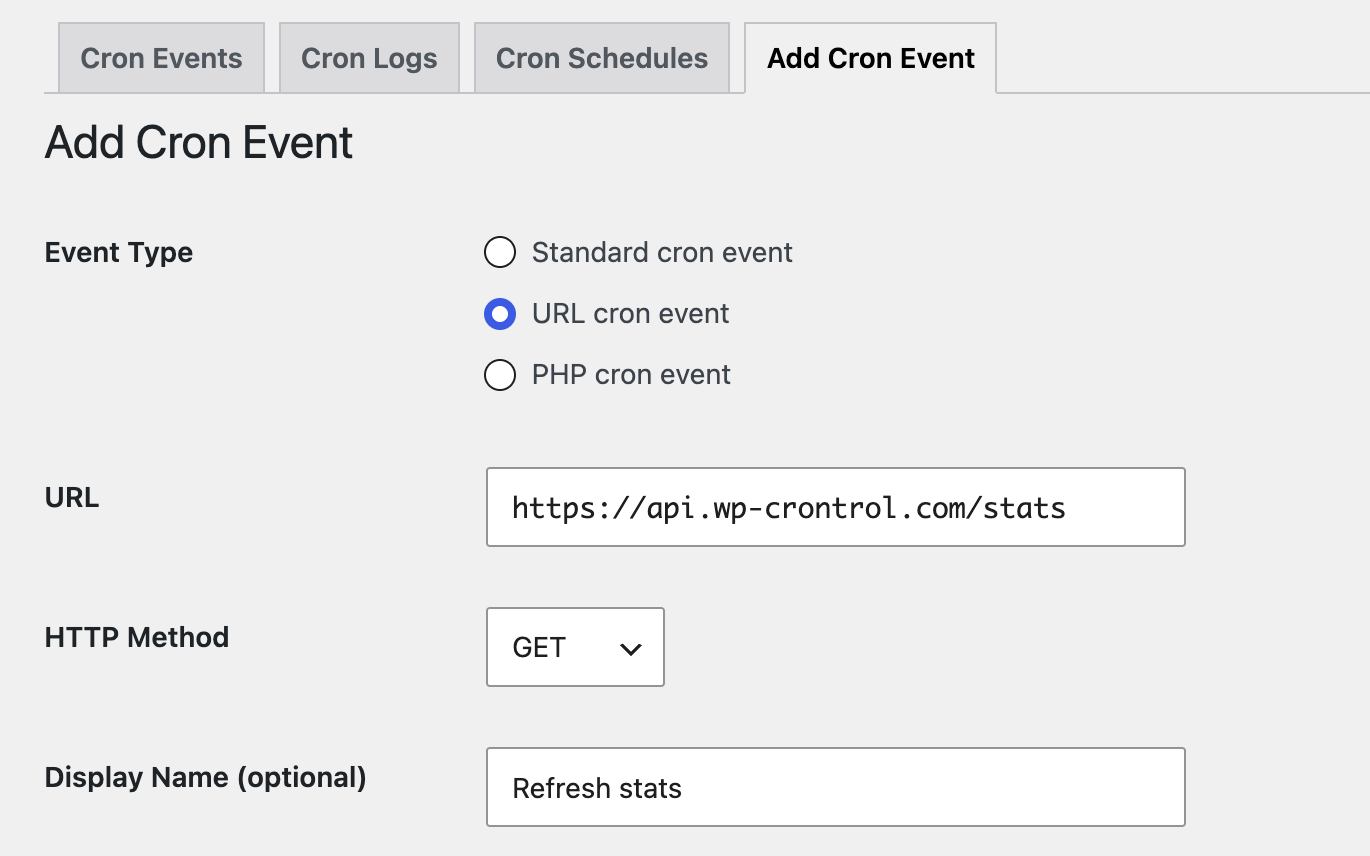
Create events that execute a snippet of PHP code or request a URL on a recurring schedule. Perfect for quick tasks without needing to write a plugin, and all gated behind strict user permission requirements.

Export and download the full cron event list as a CSV file to open in any spreadsheet, and bulk delete multiple events at once.
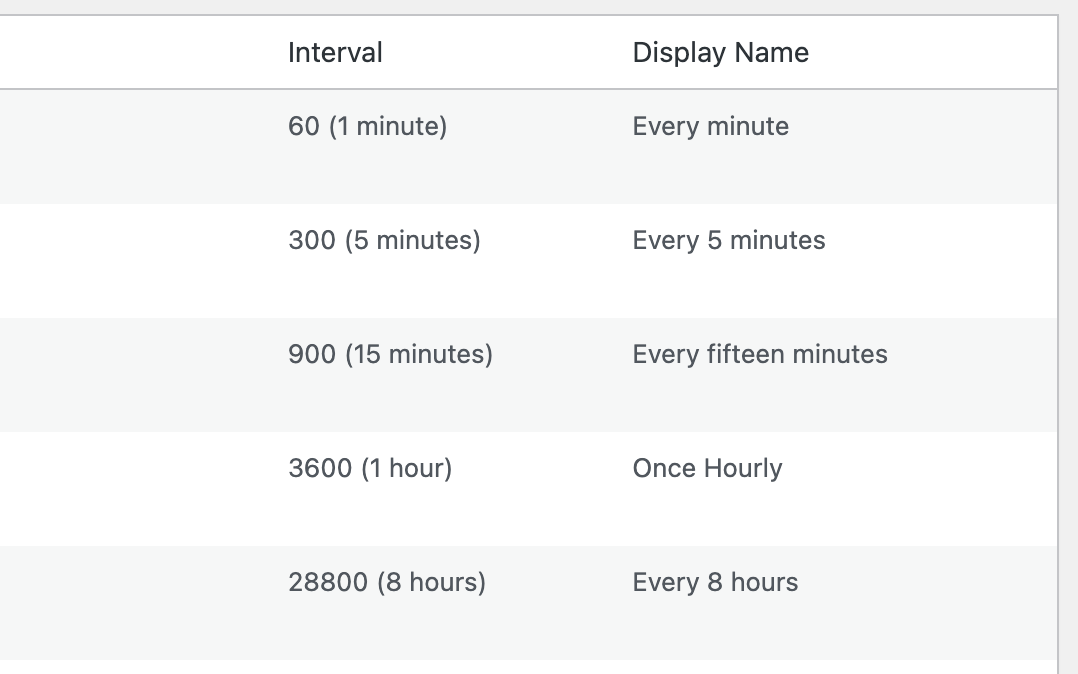
Add and remove custom cron schedules from the Settings → Cron Schedules screen so your events can run at exactly the intervals you need.
